Built for the trades
Plumb · Roof · HVAC · +9
1 – 25 techs
14 days, free
Free Trial
JOB #4421
Henderson · Water heater
32 photos · synced
How It Works
Seven tools.
One app on every
truck.
Every feature in Field View starts with a photo. Tag it, task it, search it, share it, schedule the follow-up — all from the same place every job lives.
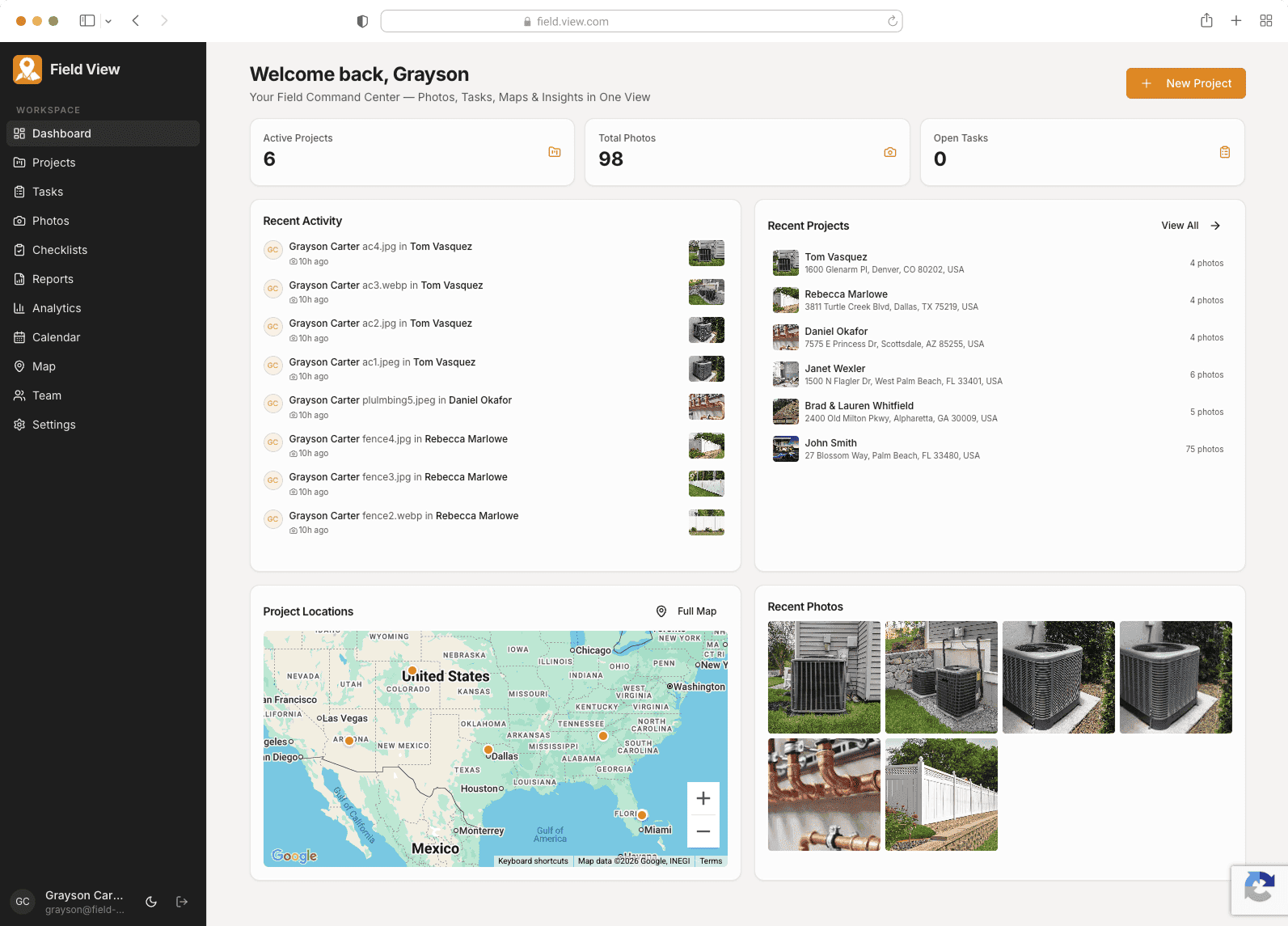
Your whole business, on one screen.
Active jobs, today's photos, open tasks, and where every crew is parked — the second you open the app.
Live counters: projects, photos, open tasks
Recent activity from every tech, in real time
Project locations pinned on a single map


50 photos in 30 seconds. None lost.
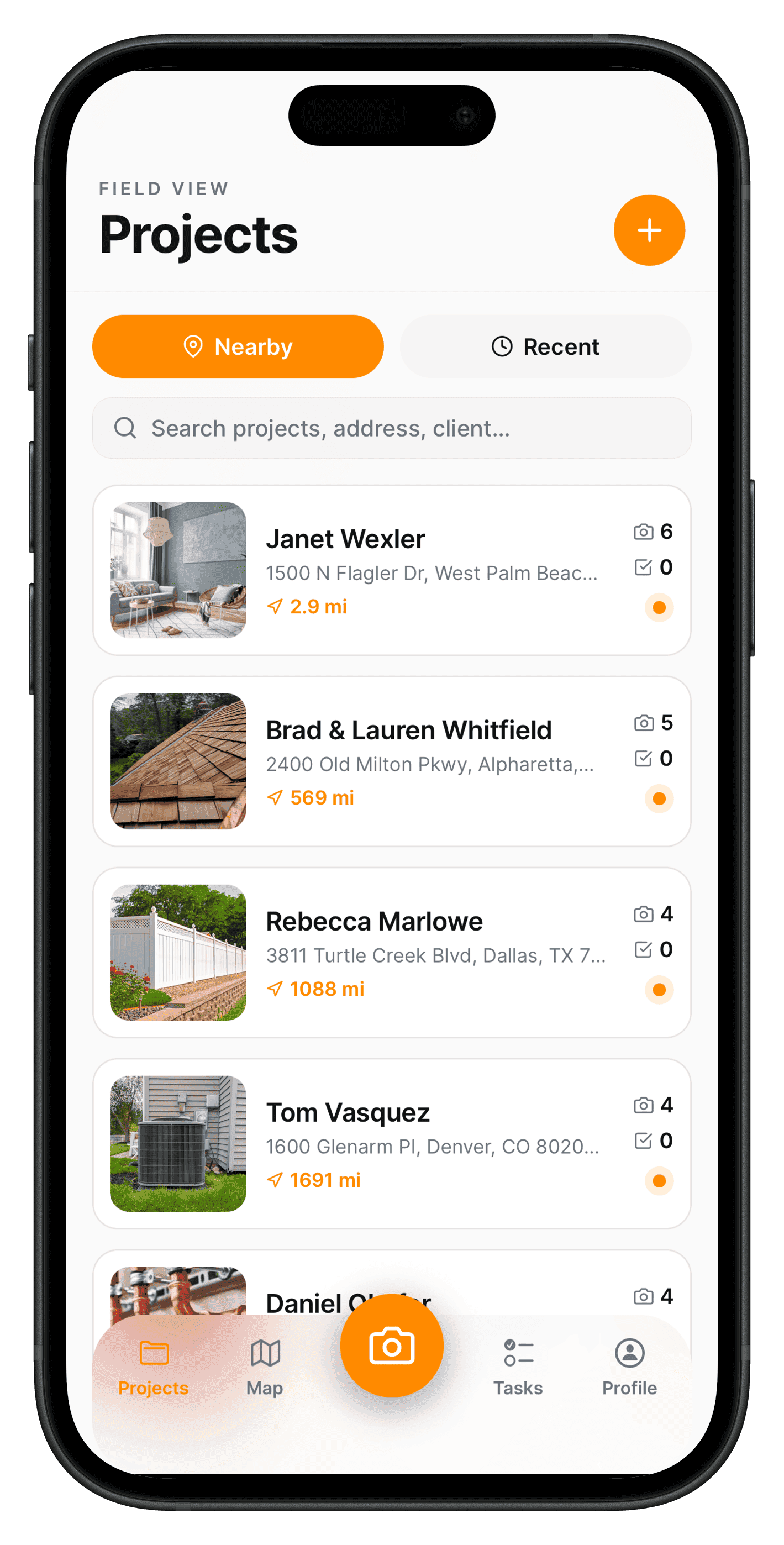
Rapid-fire capture queues photos locally, then uploads in the background — even if you walked into a basement with no signal.
Capture as fast as your finger can tap
Works offline; syncs when service returns
Background upload — keep working while photos go up
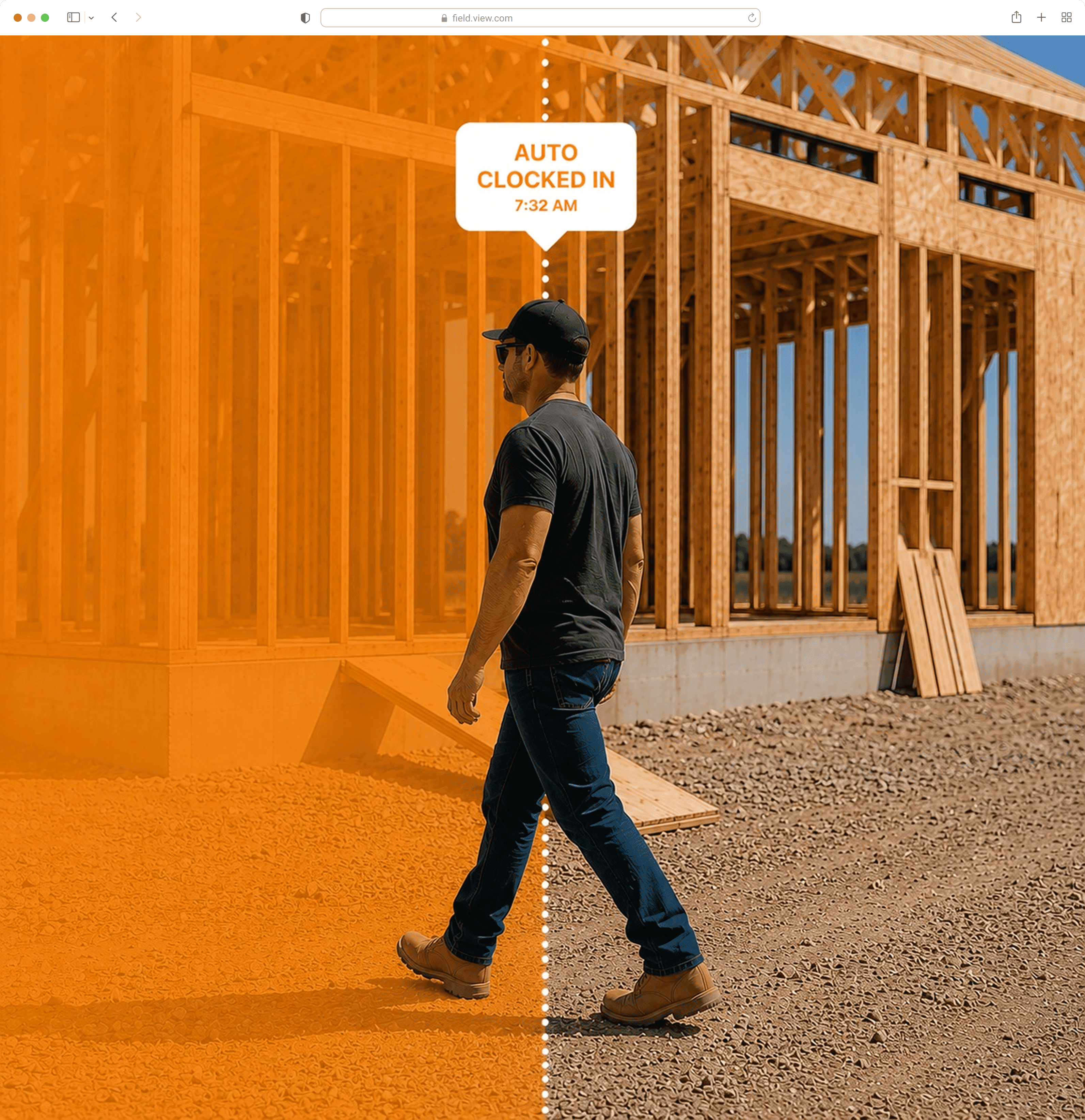
Clock in when you arrive. Clock out when you leave. Automatically.
Geofenced job sites
Silent auto clock-in and clock-out
Tap to undo if you got it wrong
Optional — turn it off any time

Every job, fully documented.
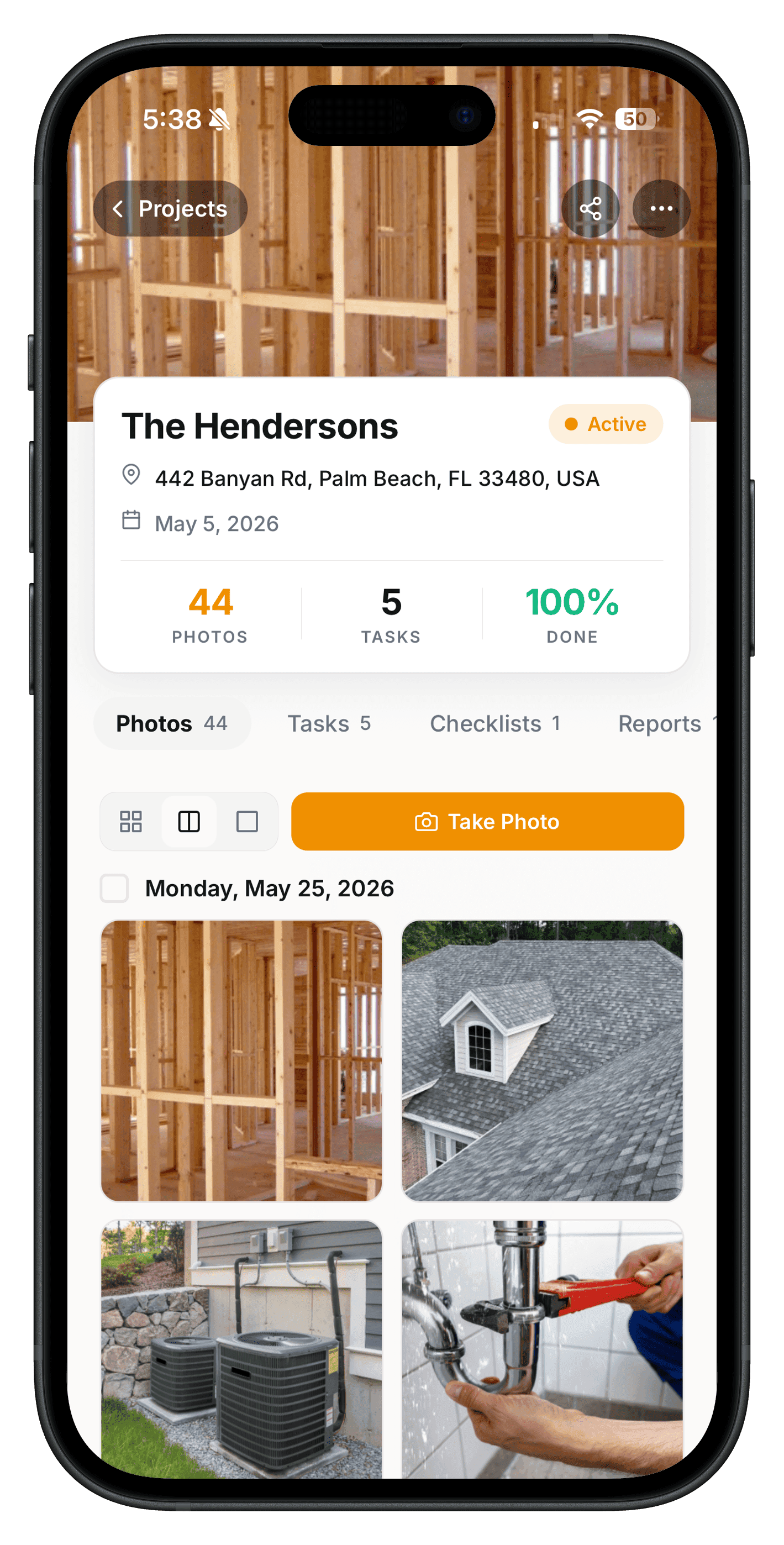
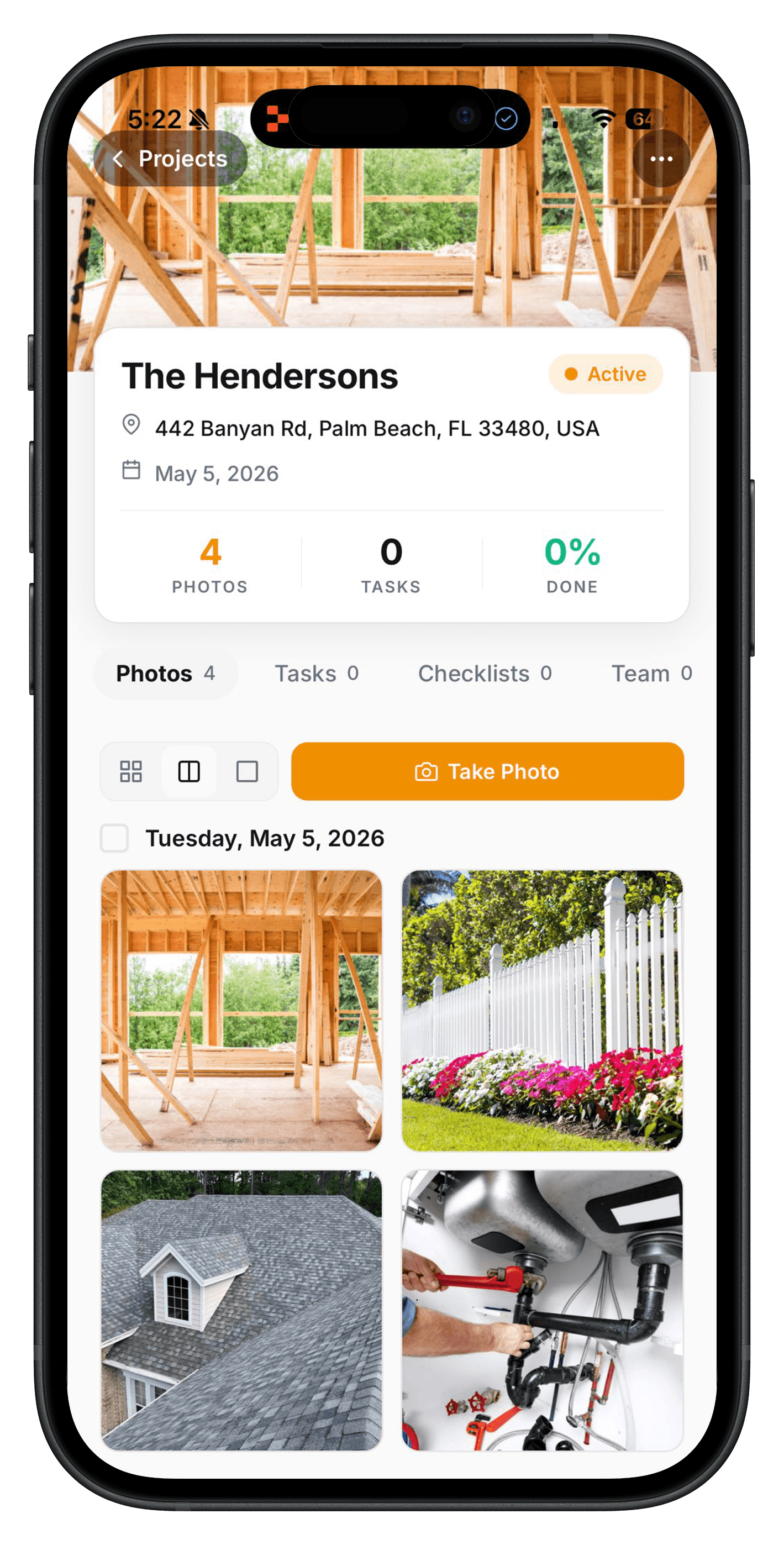
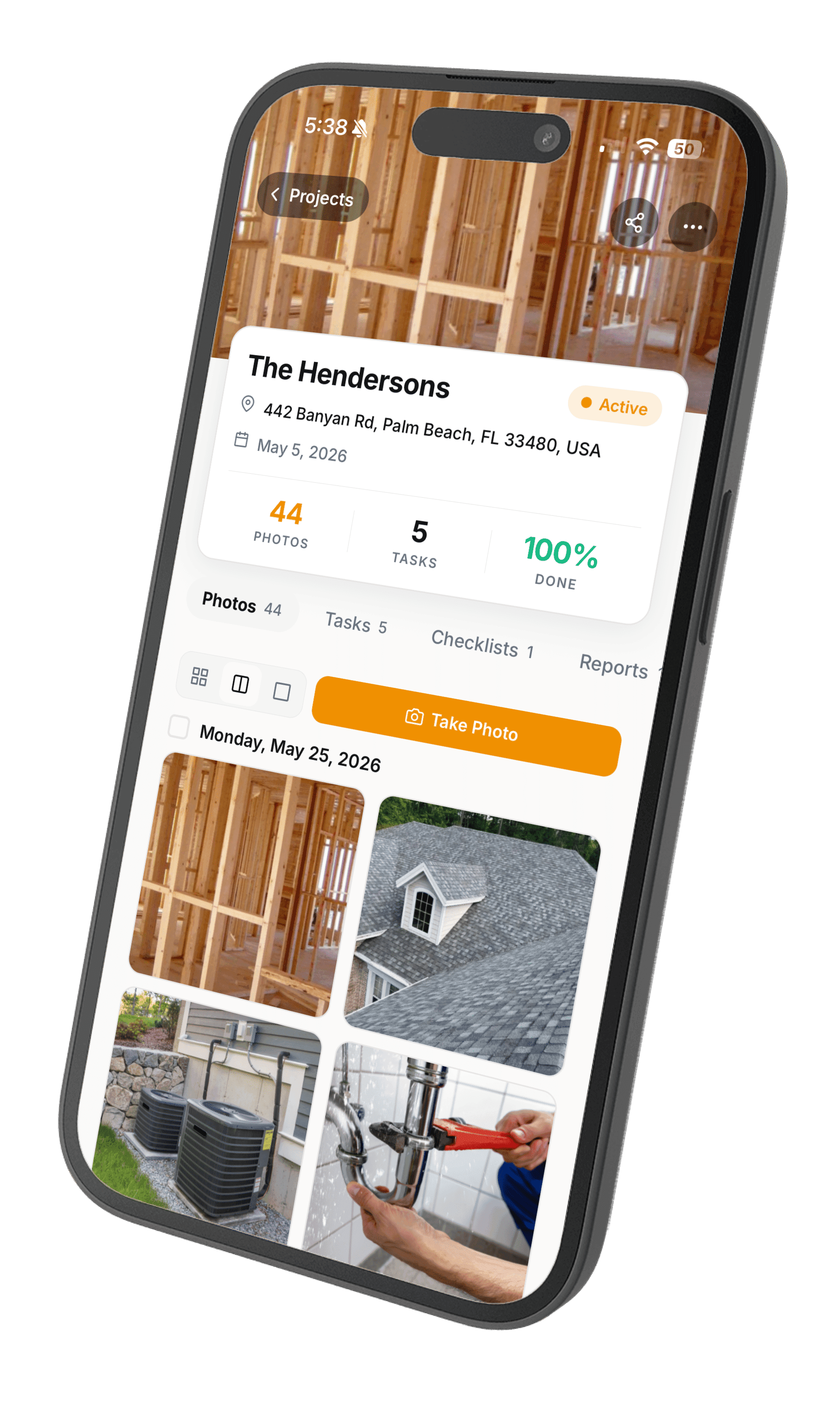
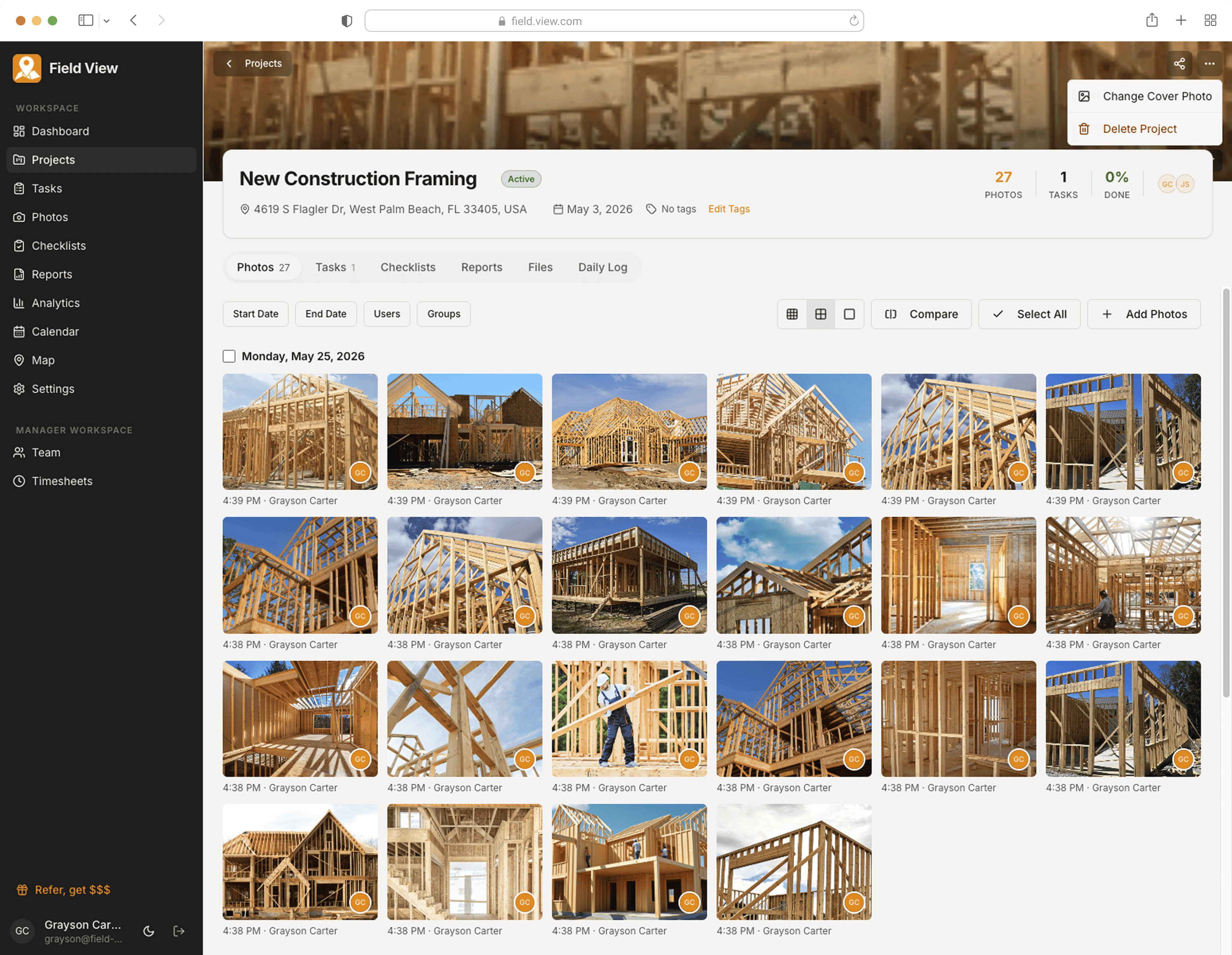
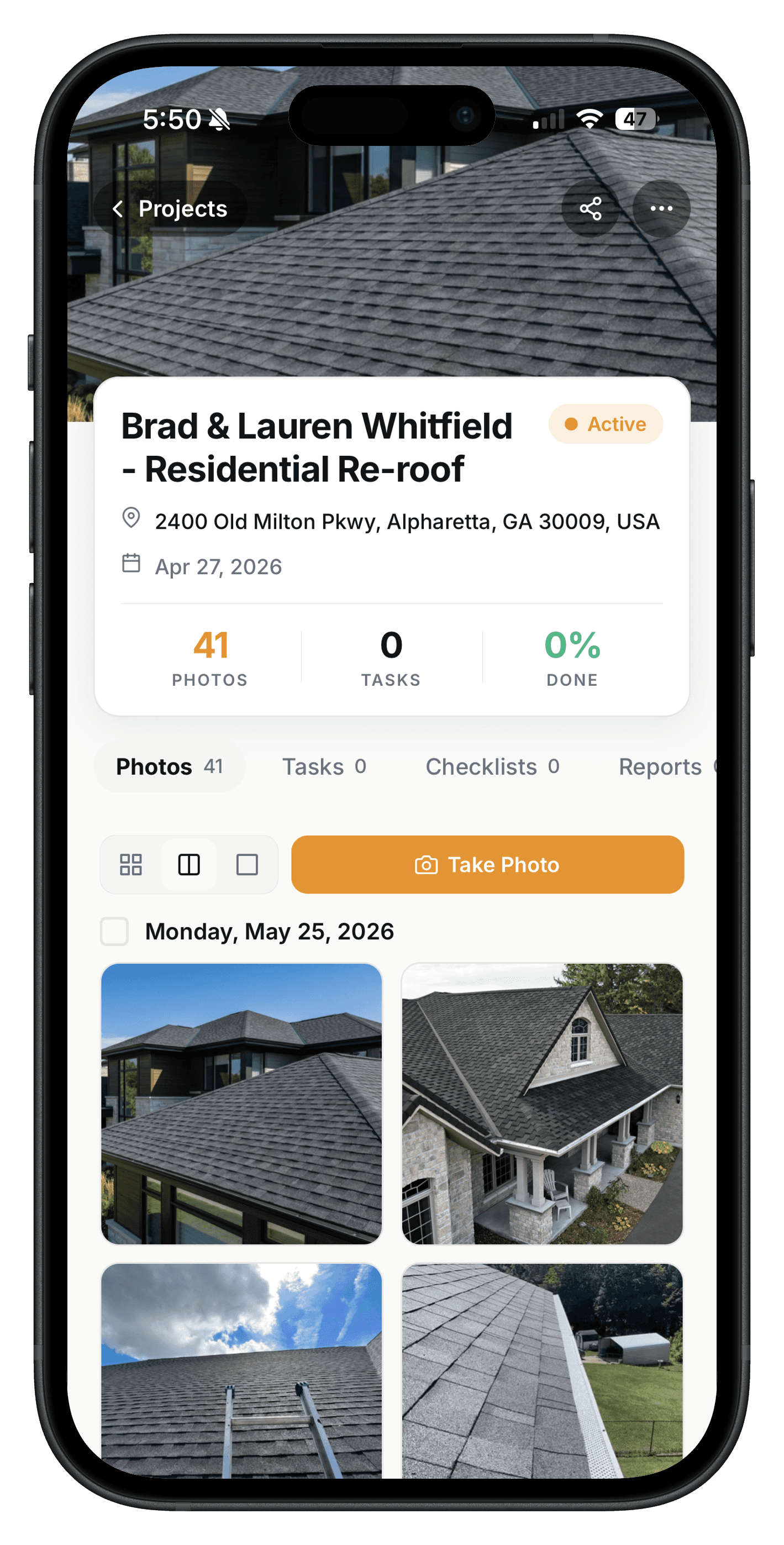
Tap into any project and you get the full record: photos by day, tasks, checklists, reports, and the daily log — already filed under the right customer.
Photos grouped automatically by date
Tasks, checklists, and reports in one place
Compare any two photos side-by-side
The photo carries the context.
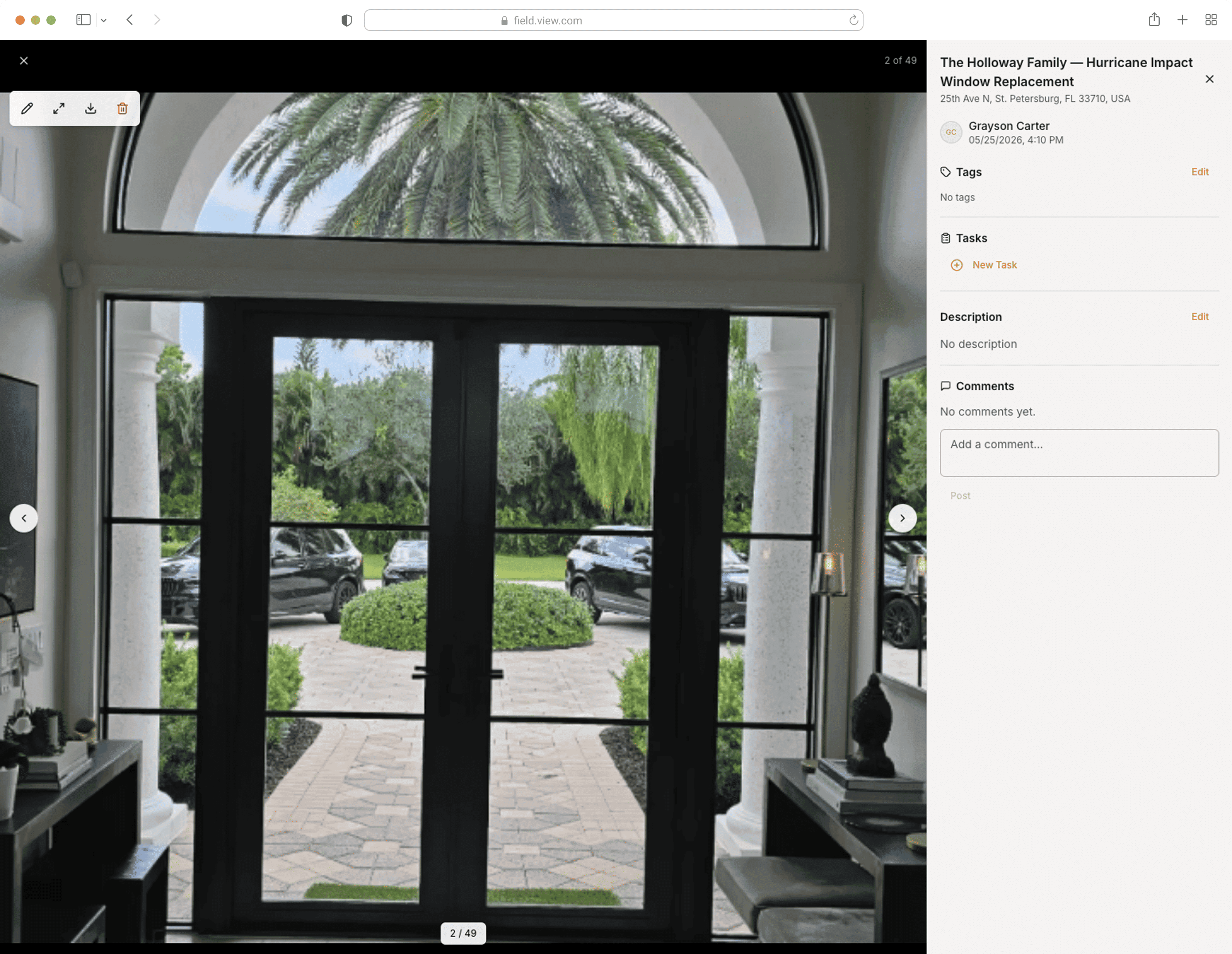
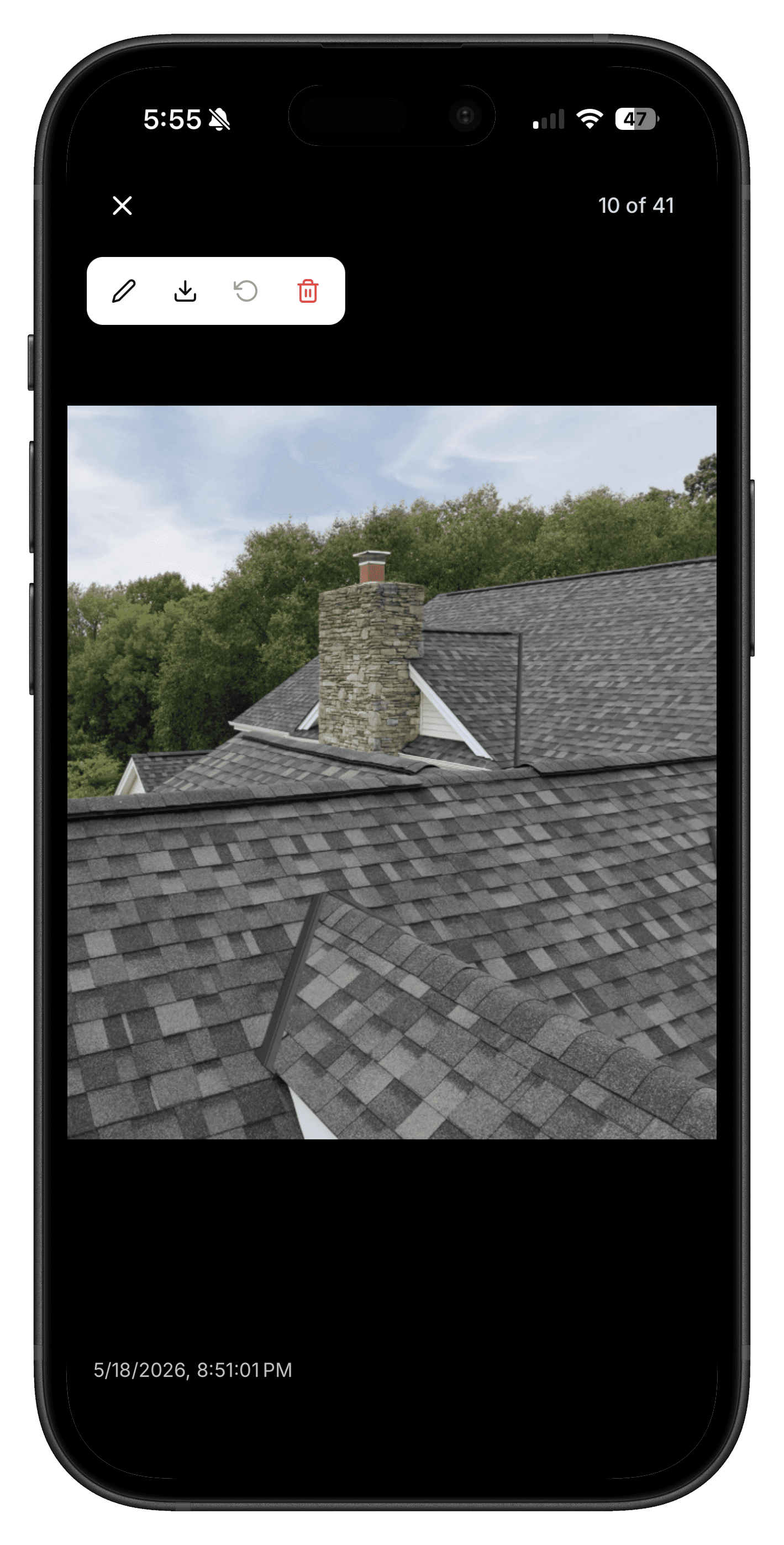
Open any photo to see when, where, and who took it — plus tasks, notes, and conversations attached. Nothing gets buried in a separate doc.
Full metadata: GPS, time, photographer, project
Spawn a task from a photo in two taps
Threaded comments per photo, per crew

Annotation
Mark up the shot. Send it in seconds.
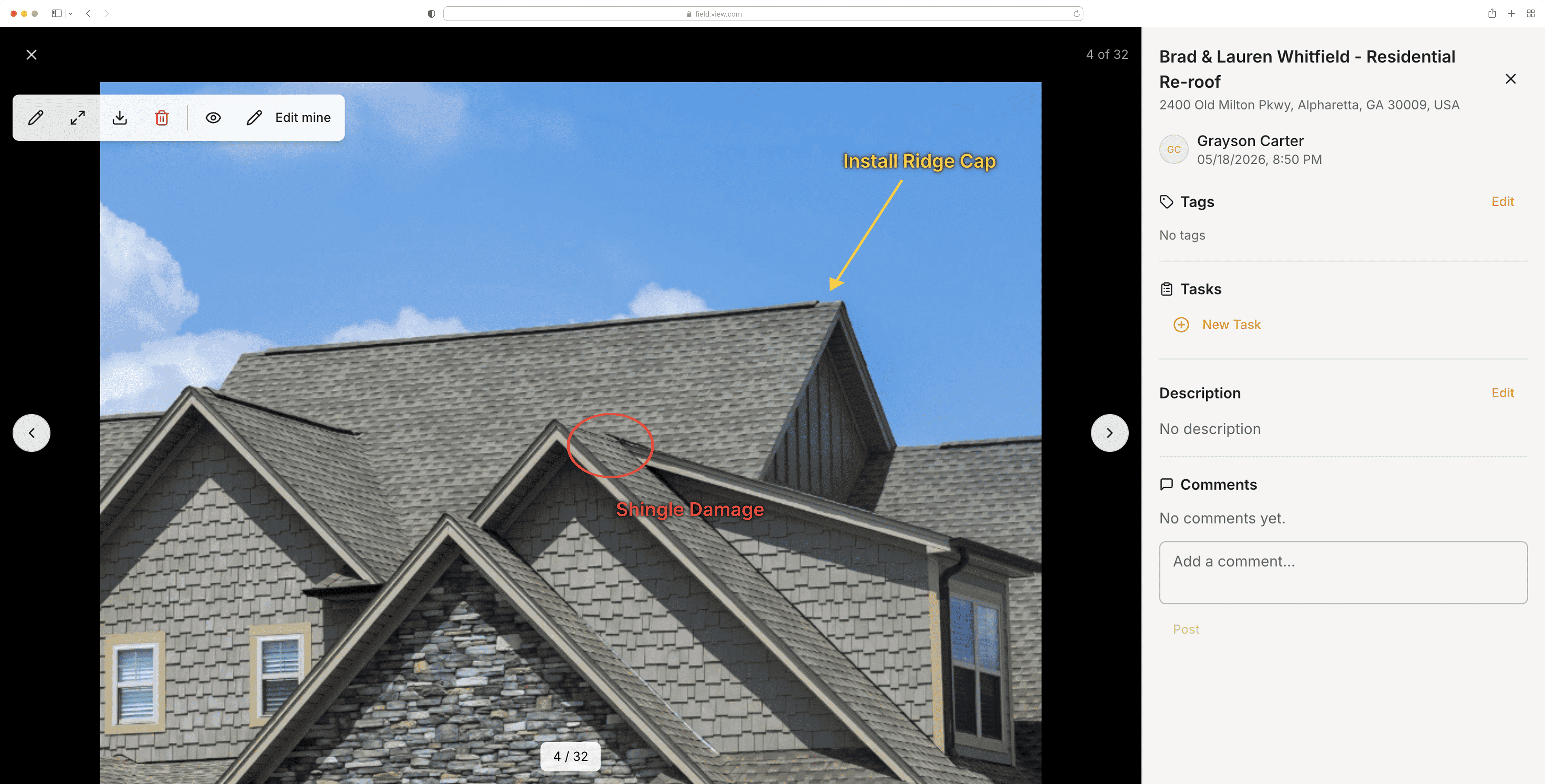
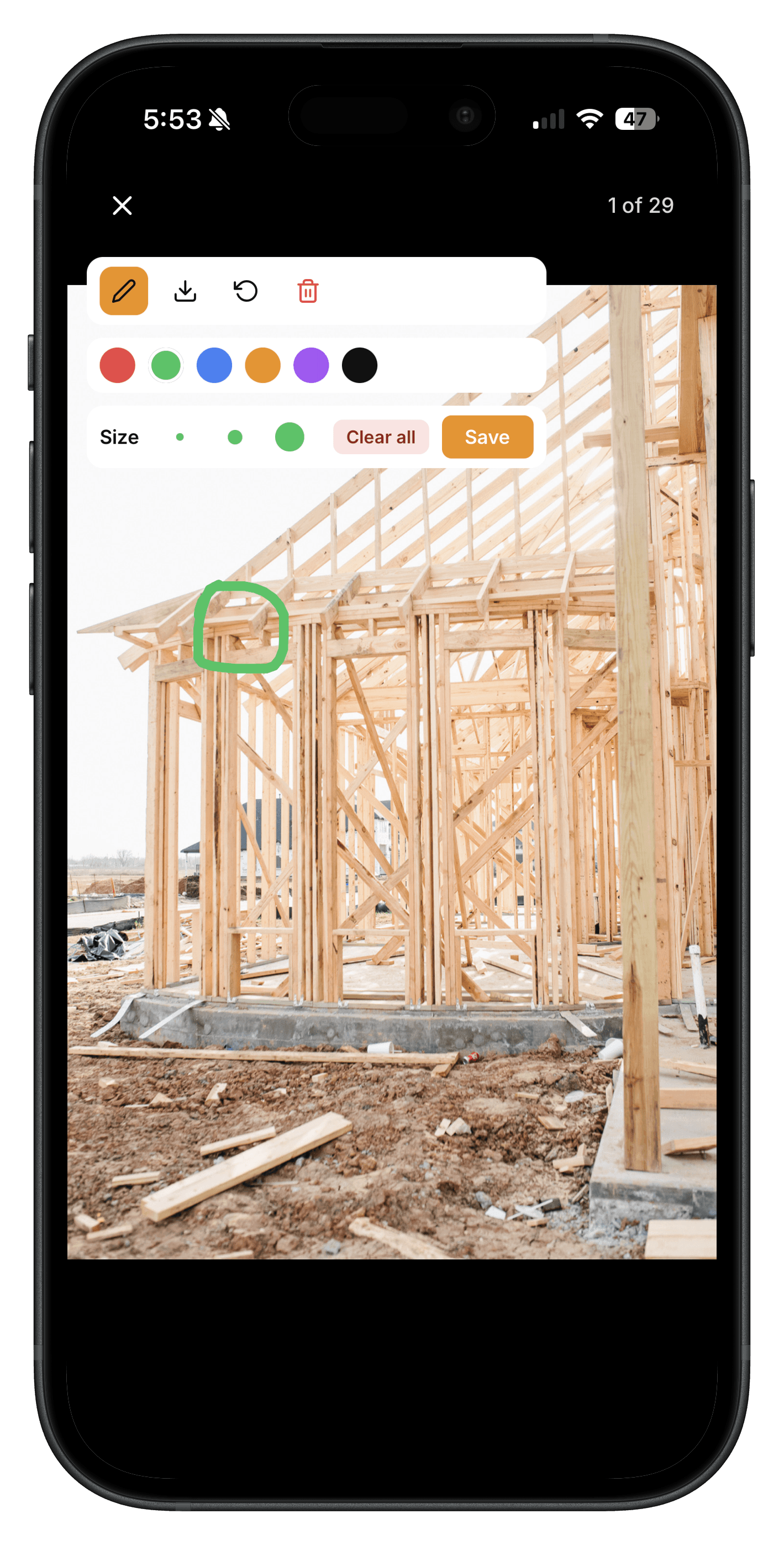
Draw, highlight, and add text directly on any photo. Show the GC where the leak is. Show the homeowner what the warranty doesn't cover.
Shapes, freehand drawing, and text overlays
Multi-color palette for quick visual triage
Saved with the photo, shareable instantly
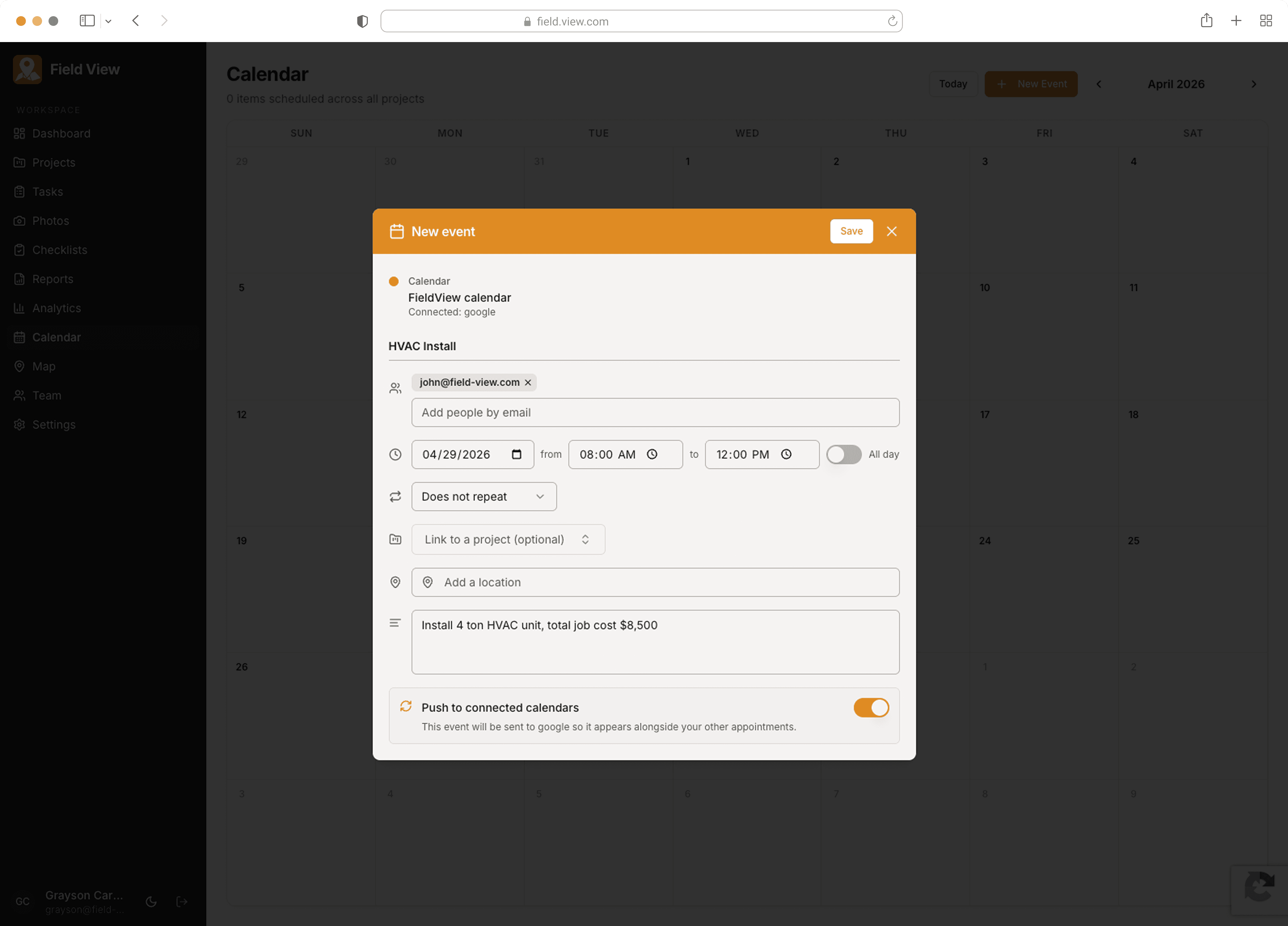
Scheduling
Schedules that actually sync.
A real calendar your office and your trucks both see. Drop a job in, the crew sees it the moment they open their phone — no group text, no missed start.
Personal and project events on one calendar
Two-way sync with Google and Apple Calendar
Conflict warnings when you double-book
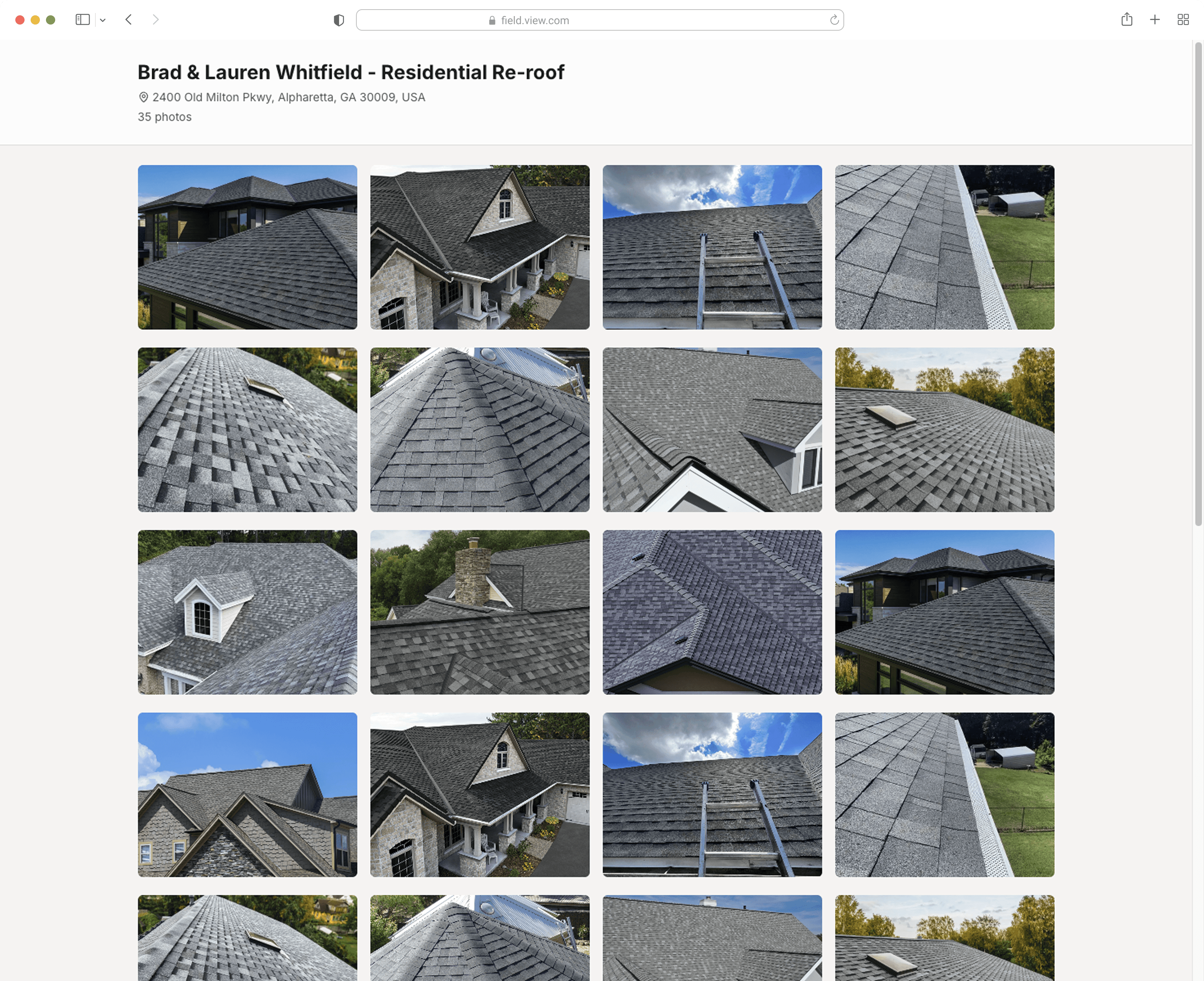
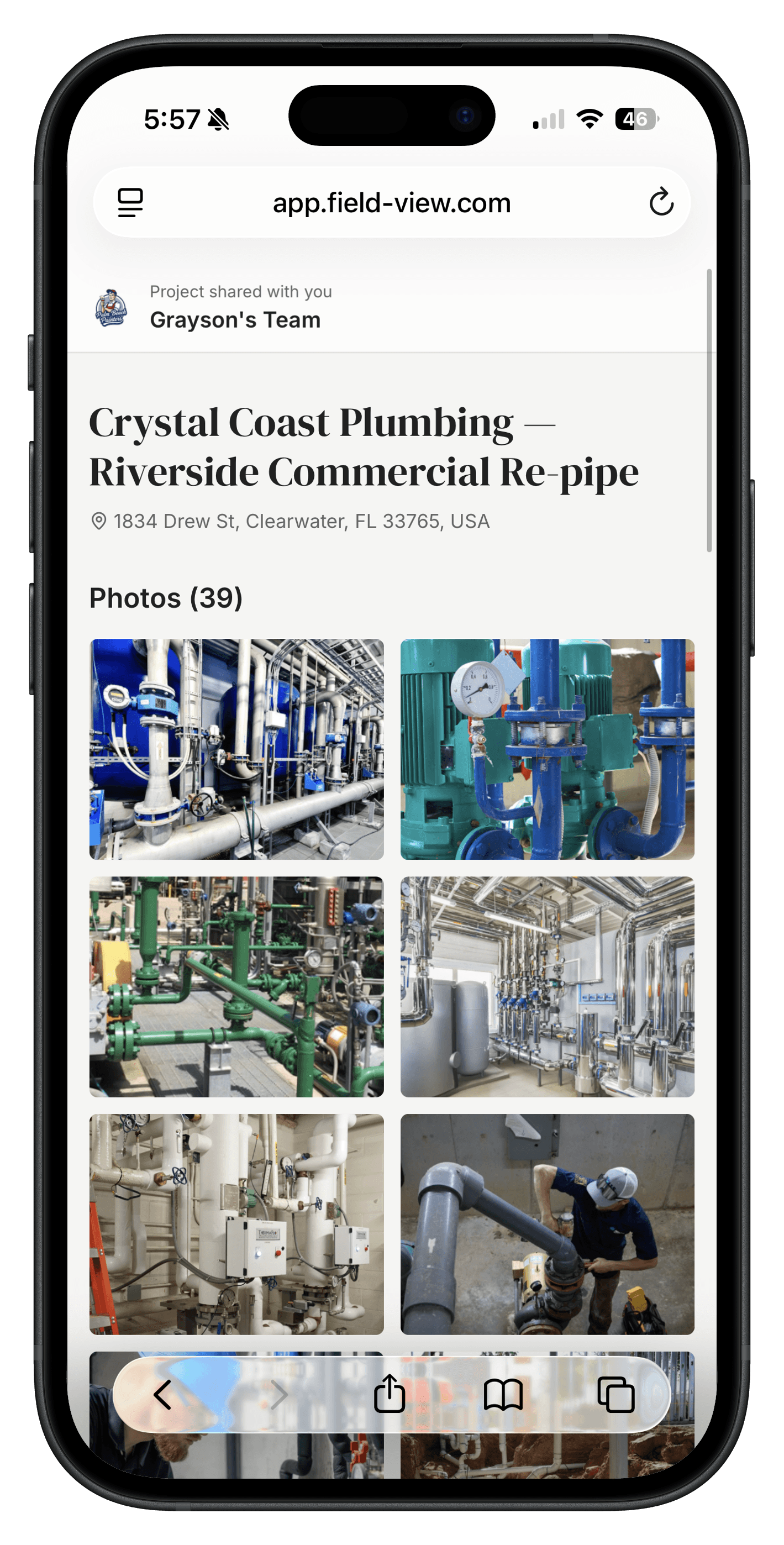
Send the finished job in one link.
Curate before-and-after photos from any project and share a clean, branded gallery with your customer. No screenshots, no email attachments, no "did you get them?"
Shareable links — set an expiration or revoke anytime
Branded with your company name and logo
Track when the customer opened it
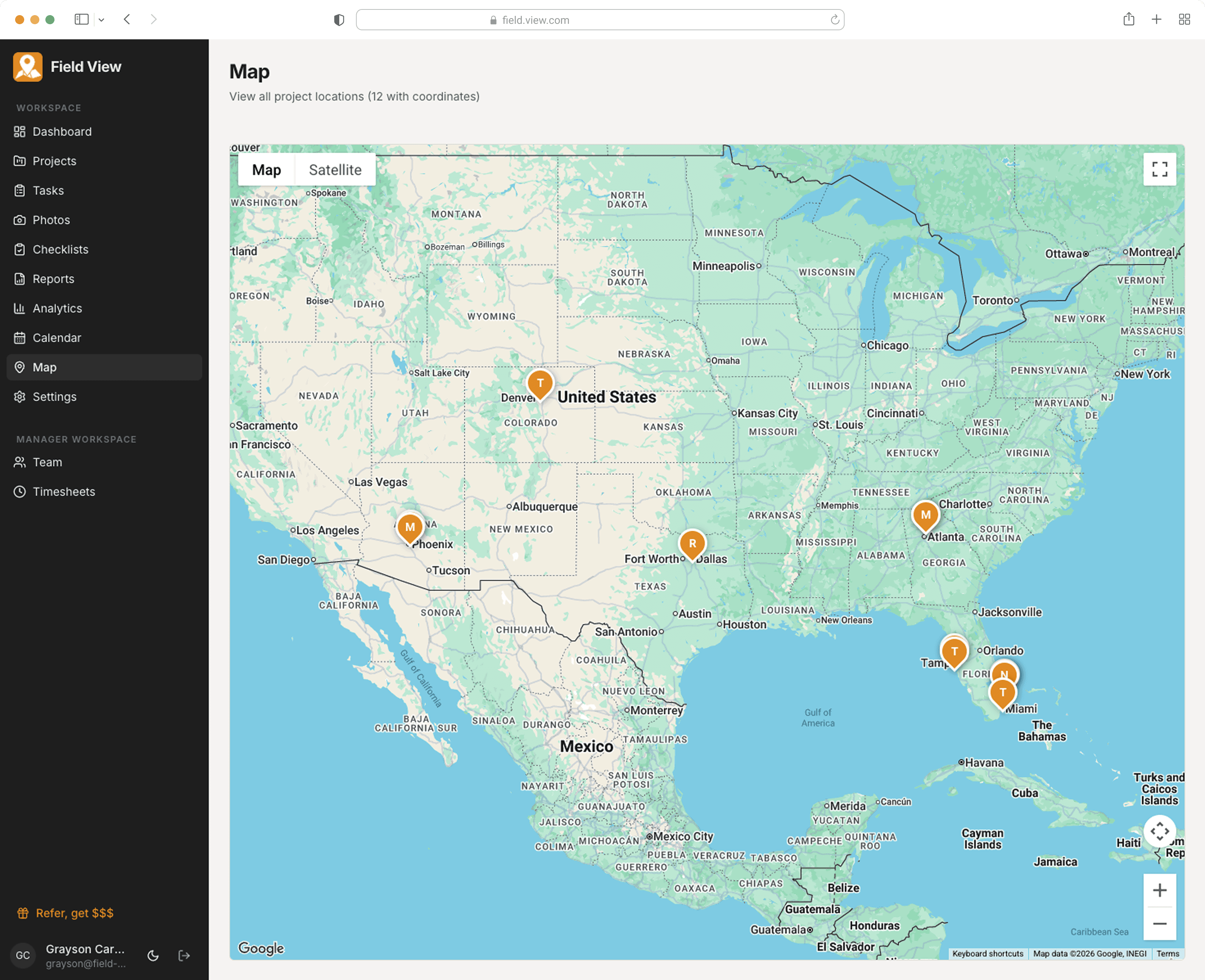
See every job on the map.
A live map of every active project. Route the day, spot the cluster you can knock out together, send the closest tech to the emergency call.
All active projects pinned in real time
One-tap directions in Apple or Google Maps
Cluster view for dense urban routes
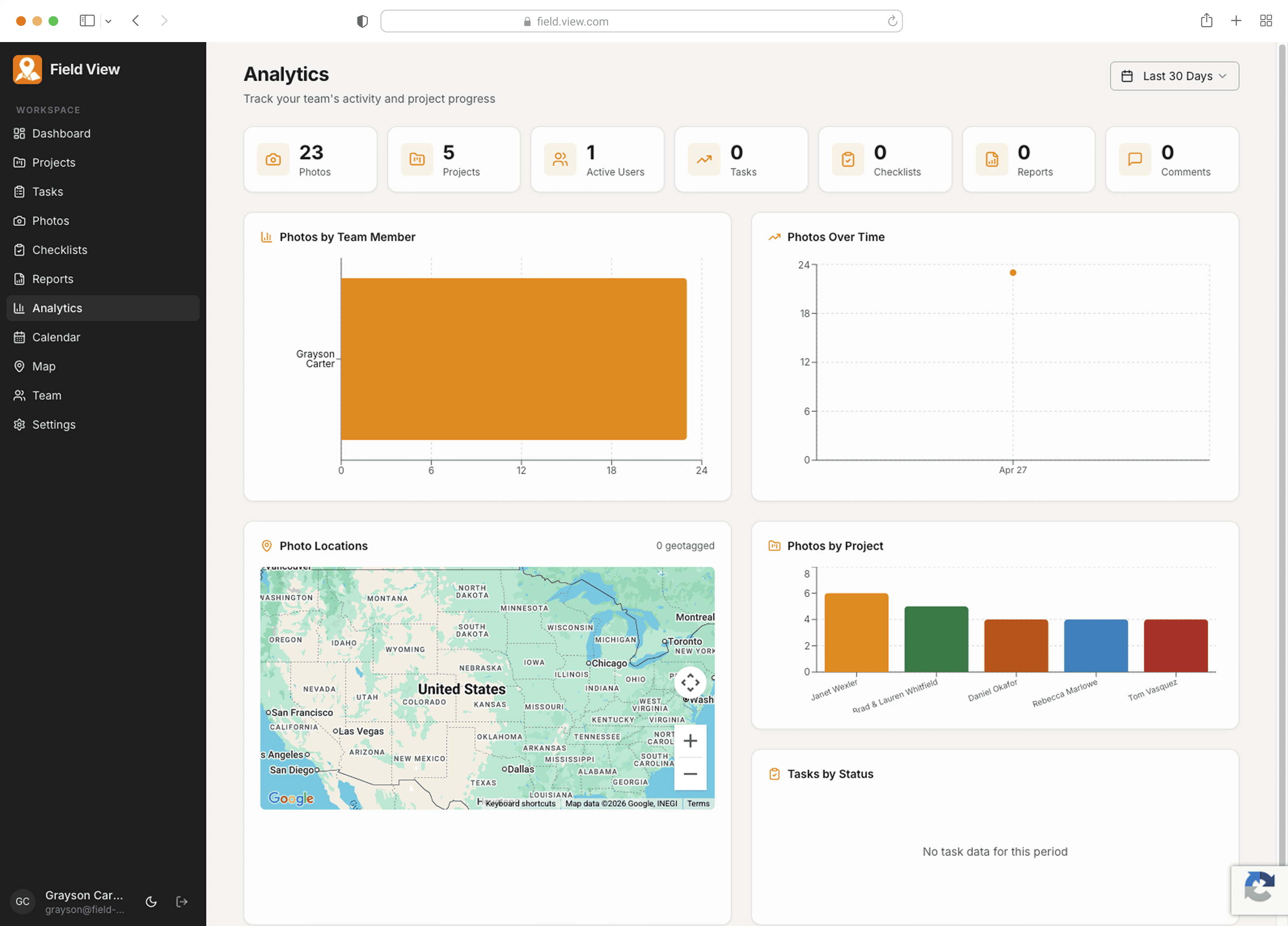
Know what your crew shipped this week.
Photos by tech. Photos over time. Photos by project. The activity is already there — Field View turns it into the operations report you used to write by hand.
Activity per tech, per project, per week
Trends over 30, 60, and 90 days
Geotagged photo locations on a map
Built For Your Trade
Tailored for every field
service business
Whether you're on a roof, under a house, or in a crawl space, Field View works the way you do

HVAC
Construction
Roofing
Contractors
Landscaping
Electrical
Painting
Plumbing
Simple Pricing
One plan. Everything included.
No hidden fees, no feature gates. Every team gets the full platform.
FAQ's